Download chaos scenario manifest
You can save an experiment manifest as a yaml. This section goes over the steps to achieve the same.
Before you begin
You can learn how to schedule your first chaos scenario here.
1. Go to the chaos scenarios sections
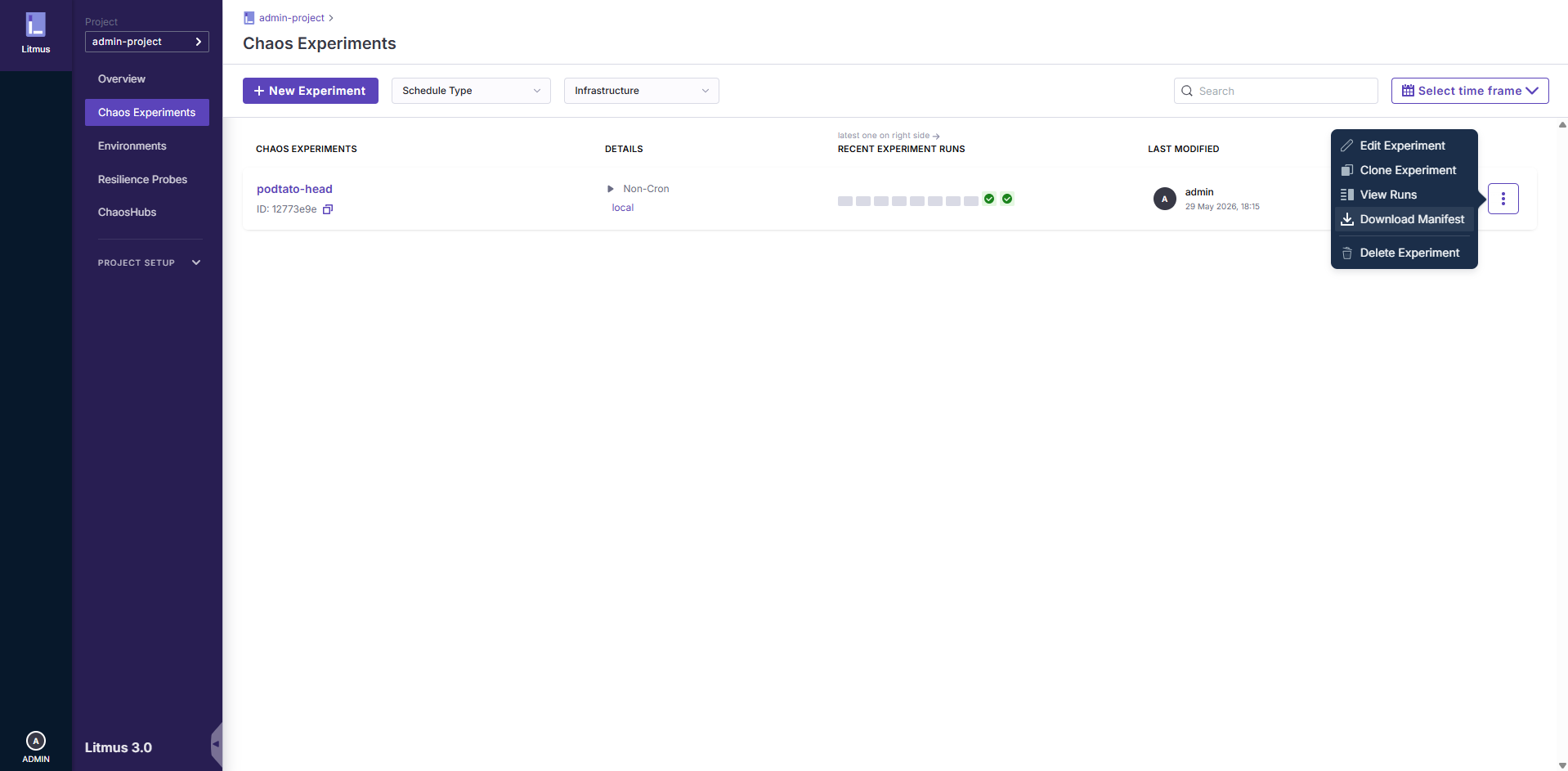
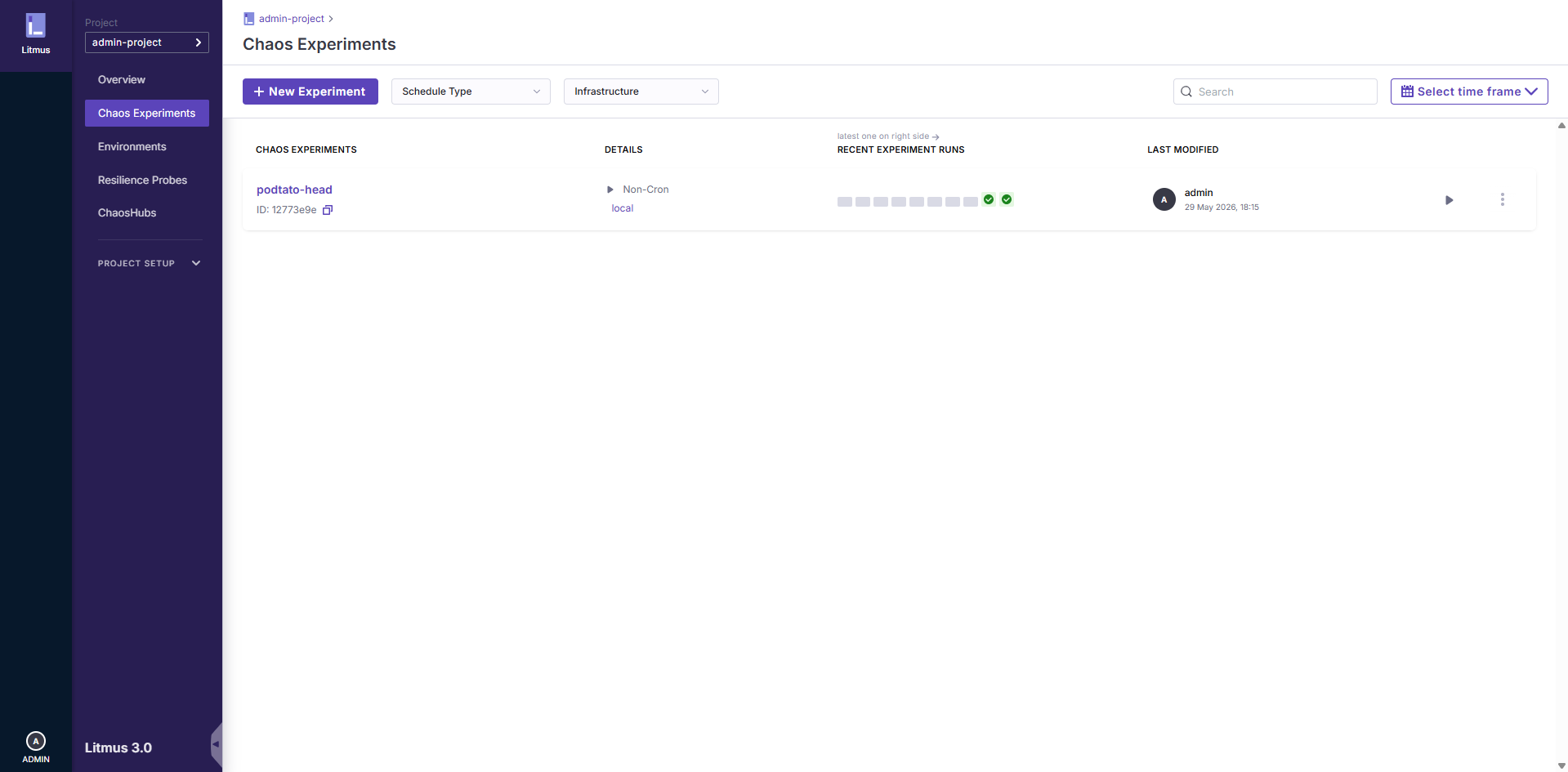
In the Chaos Experiments page, click on the options menu (⋮) for the specific experiment you wish to download the manifest for:
2. Select Download Manifest option
After opening the options menu, click on the Download Manifest option. Having downloaded a particular schedule manifest, you can see the browser downloads list to see the status of the manifest download operation and then see the yaml file in your system's default download directory: